

Gemini Omni Video AI Generator by Omnivid
Turn prompts, images, and references into polished motion with Omnivid, a gemini omni and omni video ai production workspace.
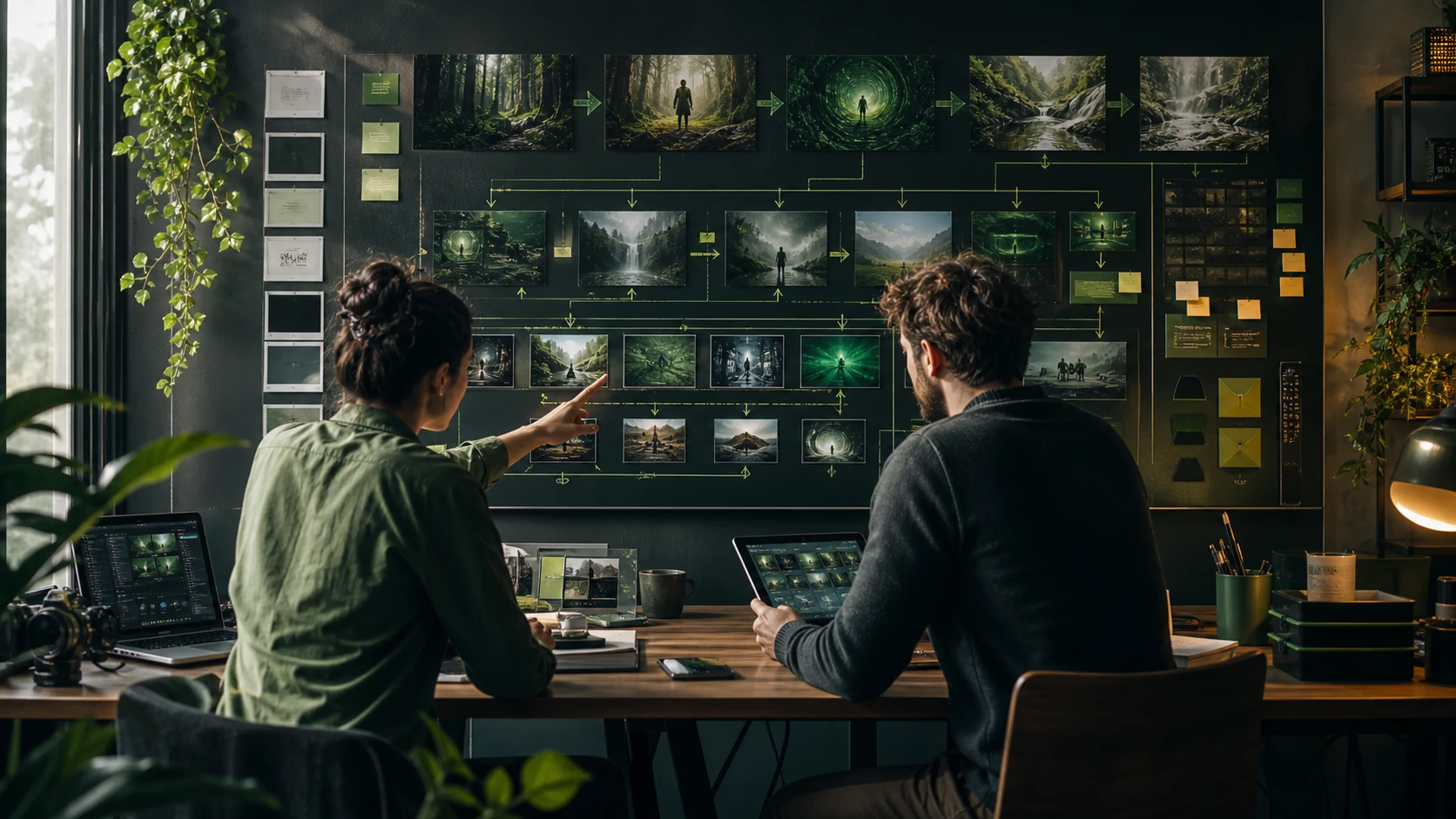
Gemini Omni and omni video ai Tools in One Place
Omnivid brings text-to-video, image-to-video, reference motion, gemini omni prompt structure, style exploration, and export-ready workflows into one omni ai video studio.

Text-to-video prompt builder
Describe scene, subject, motion, camera, mood, duration, and audience, then generate polished omni video ai options with clearer gemini omni prompt direction.
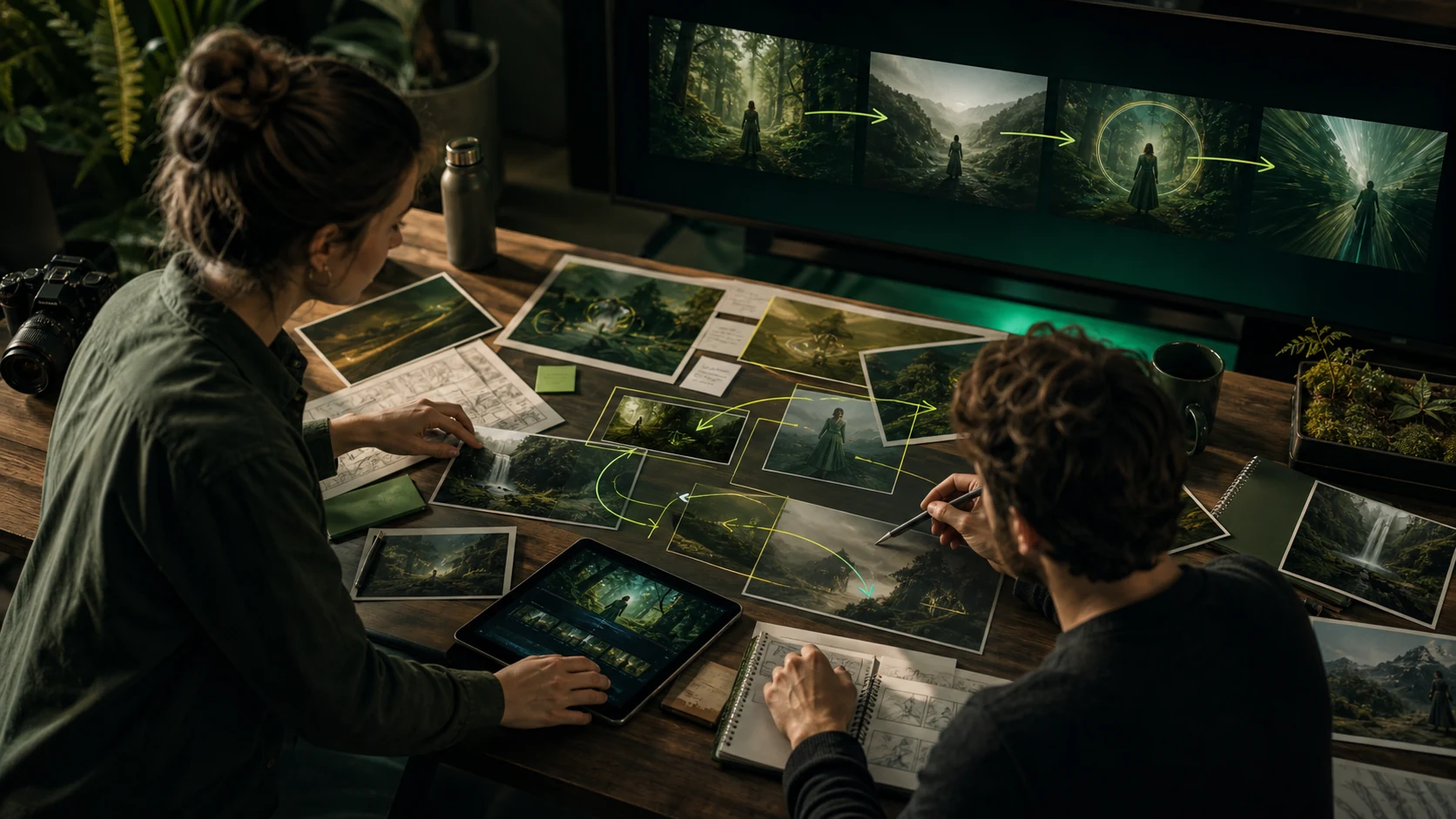
Image-to-video reference control
Guide composition, character, product detail, and motion from uploaded references when text alone is not enough for omni ai video.
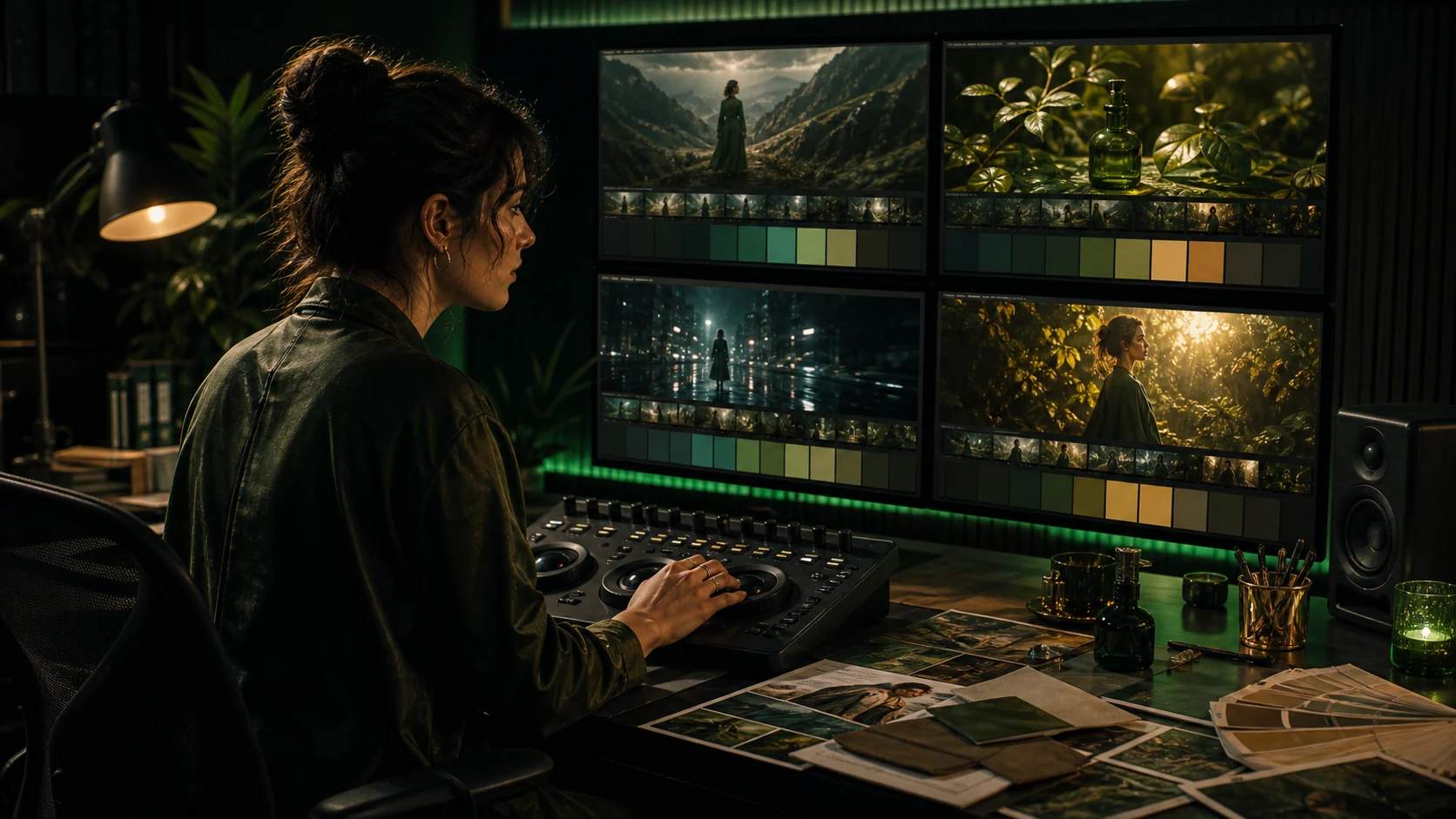
Style and effect exploration
Explore cinematic looks, product scenes, editorial treatments, and creative directions while keeping the omni video ai workflow in one place.
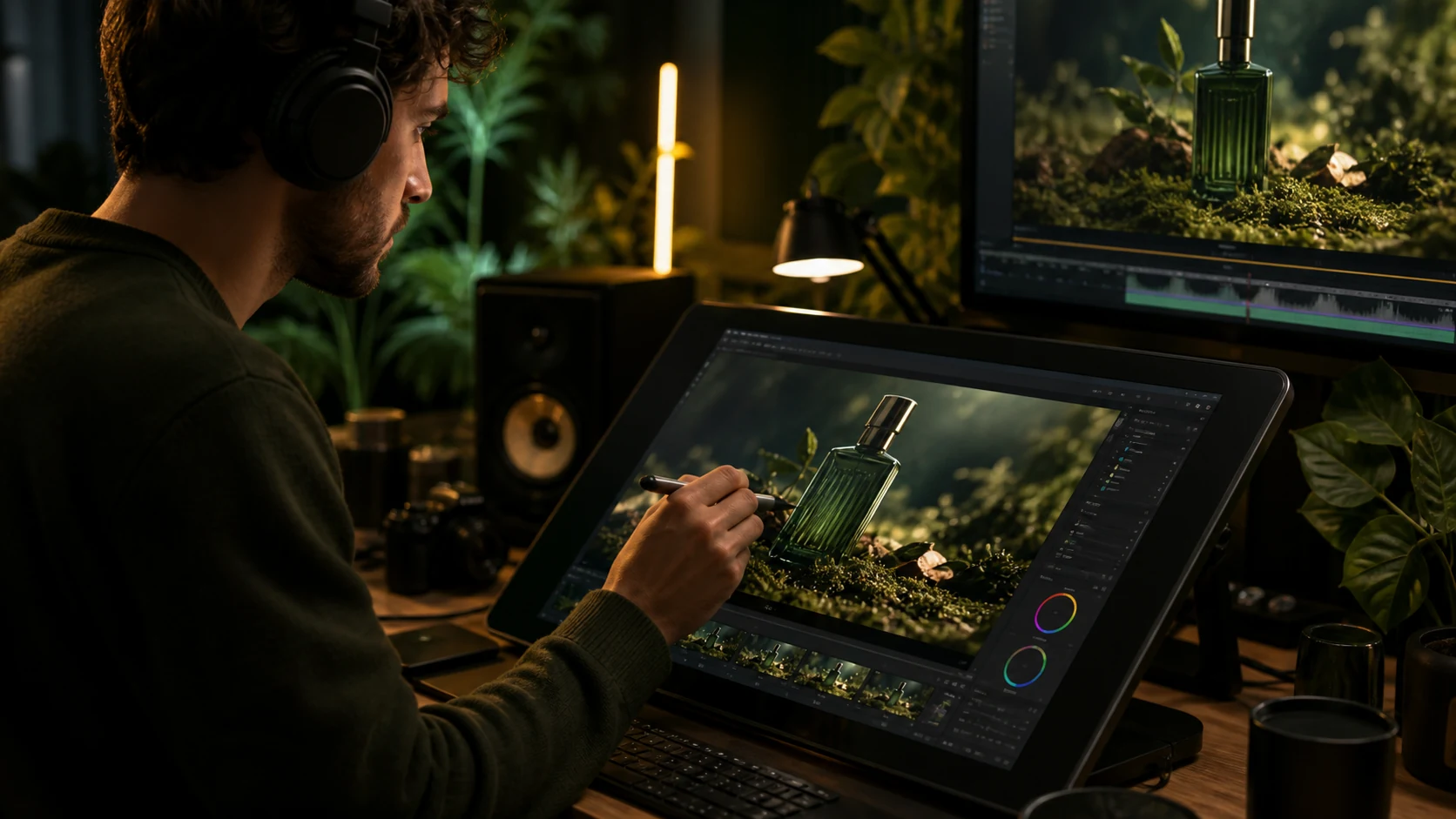
Detail refinement for delivery
Clean backgrounds, remove distractions, refine motion direction, and prepare selected omni ai outputs for publishing.
Why Omnivid Works for Gemini Omni Video Production
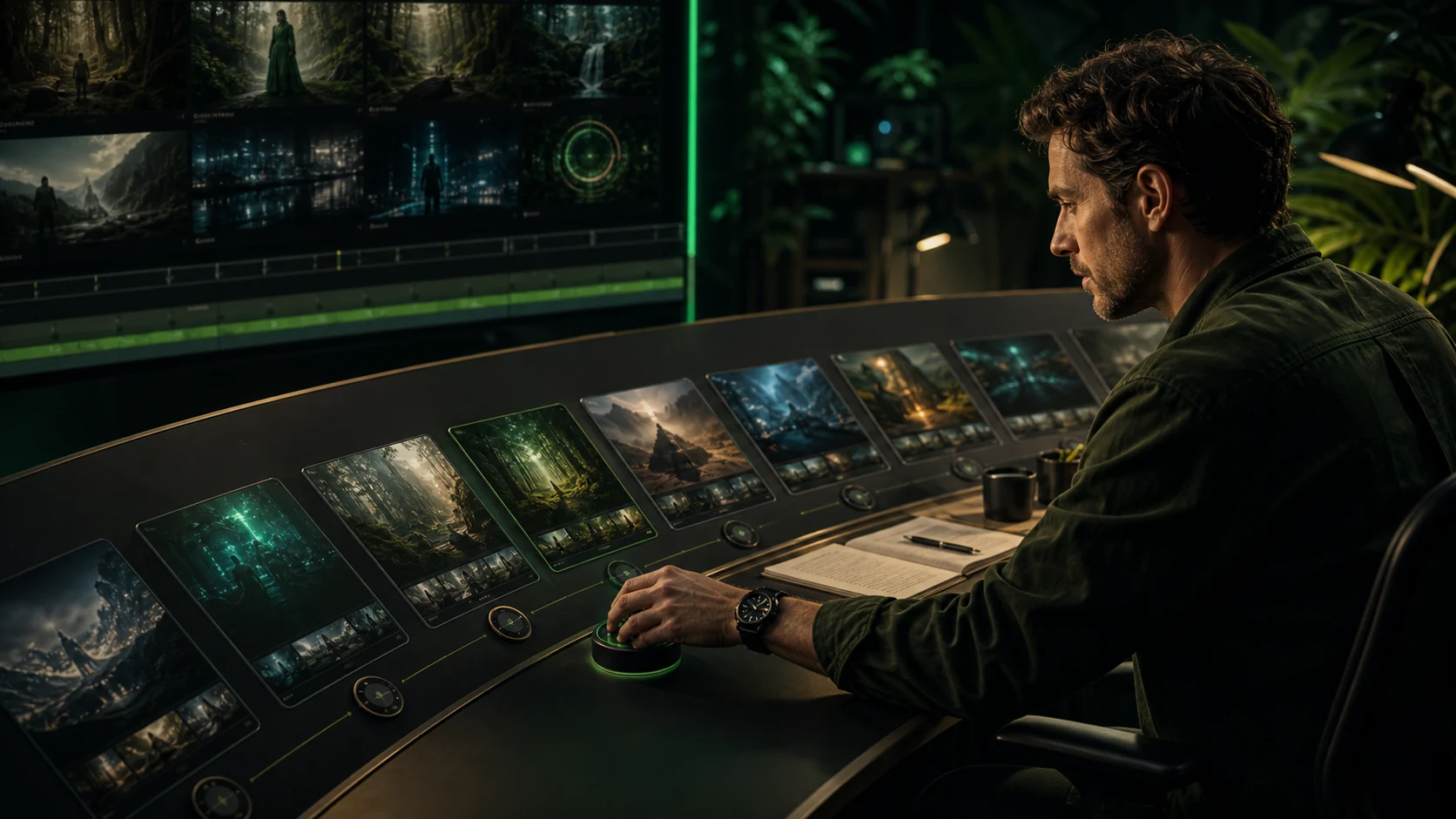
Use one omni video ai workflow to brief, generate, compare, refine, and publish motion assets without rebuilding your omni ai project across disconnected tools.
Workflow
A Simple Loop from Gemini Omni Prompt to Finished Video
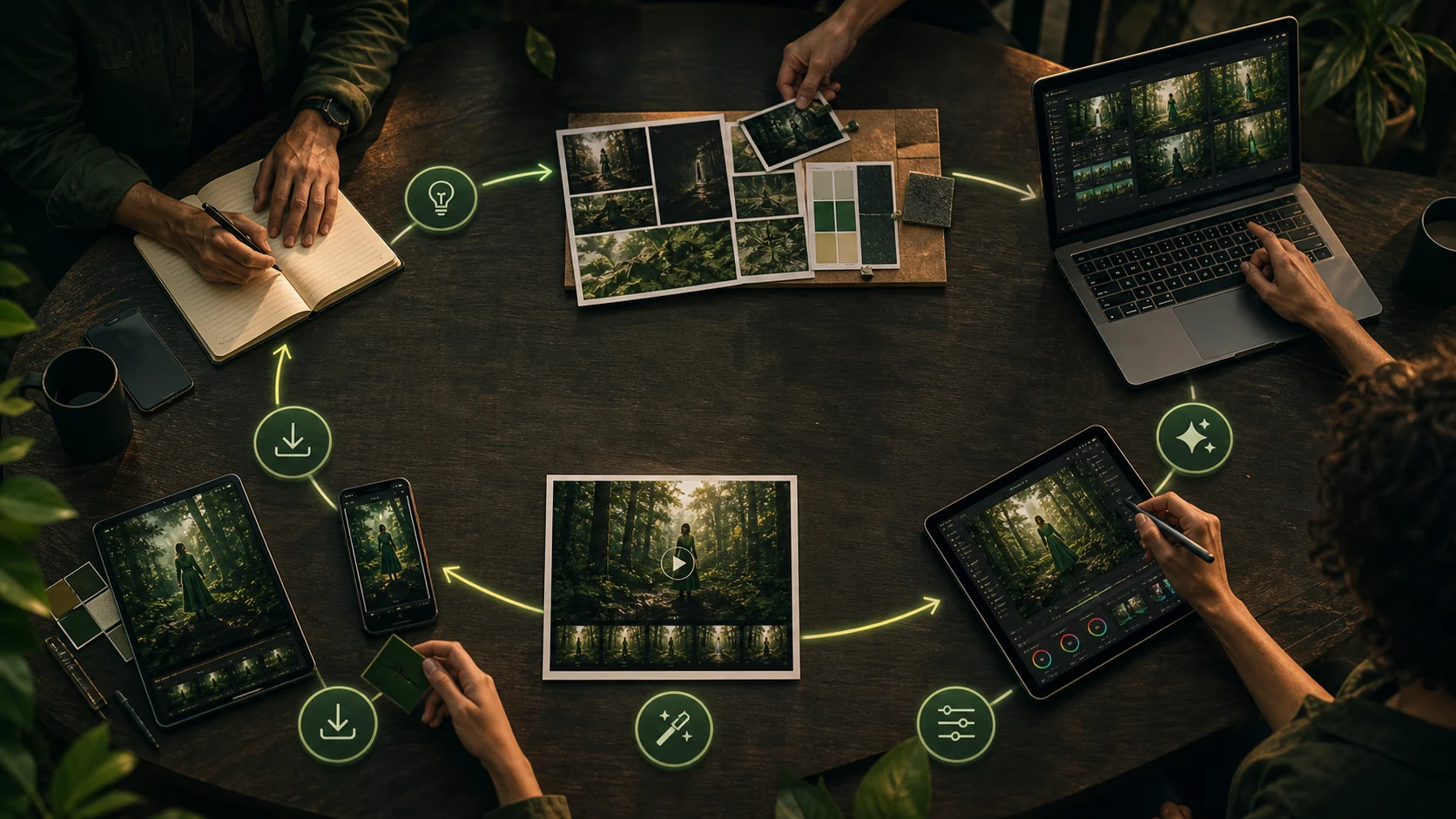
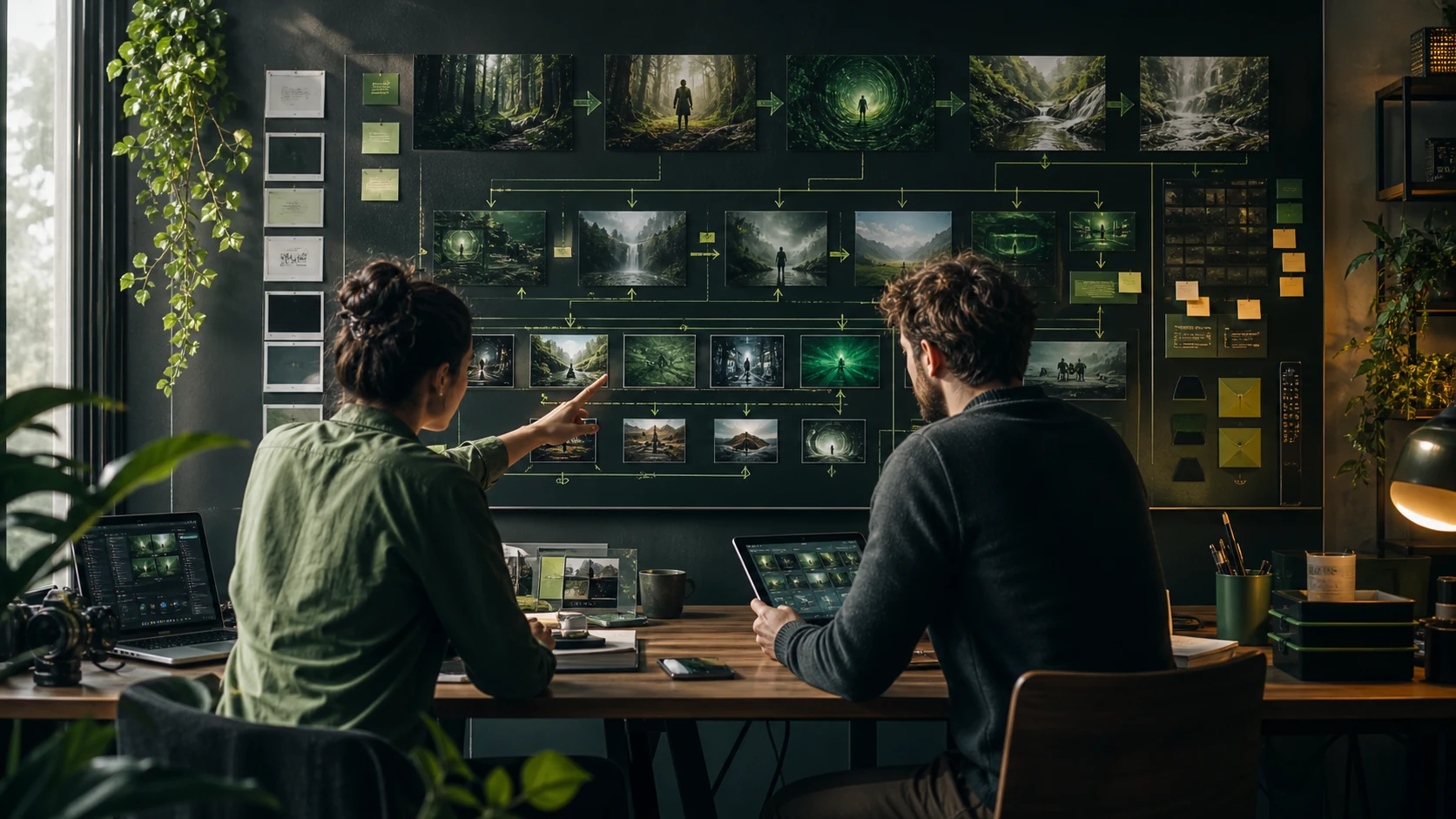
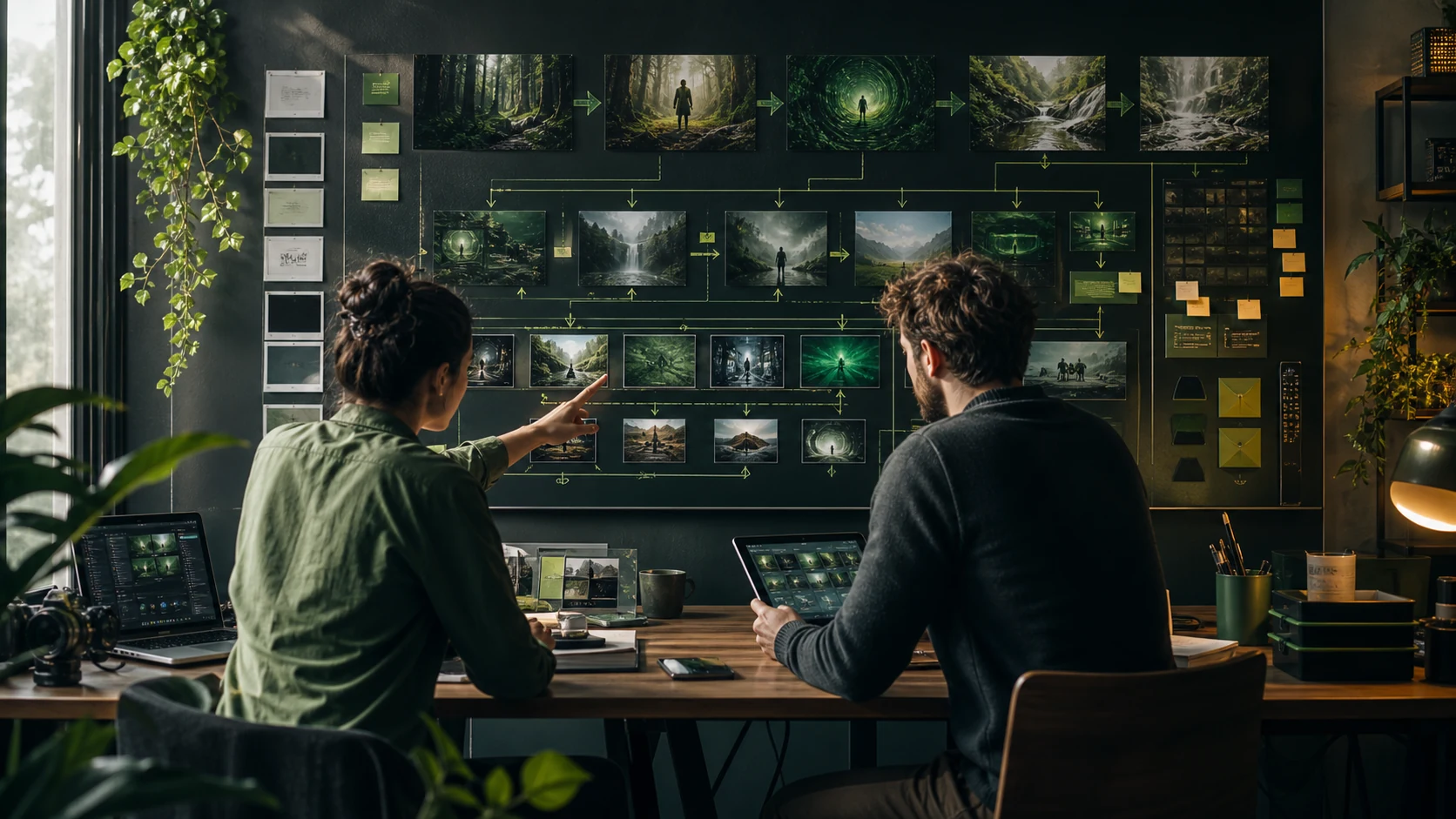
Write the brief, add references, generate motion options, refine the winner, and export finished clips from one omni ai production flow.
Describe the goal
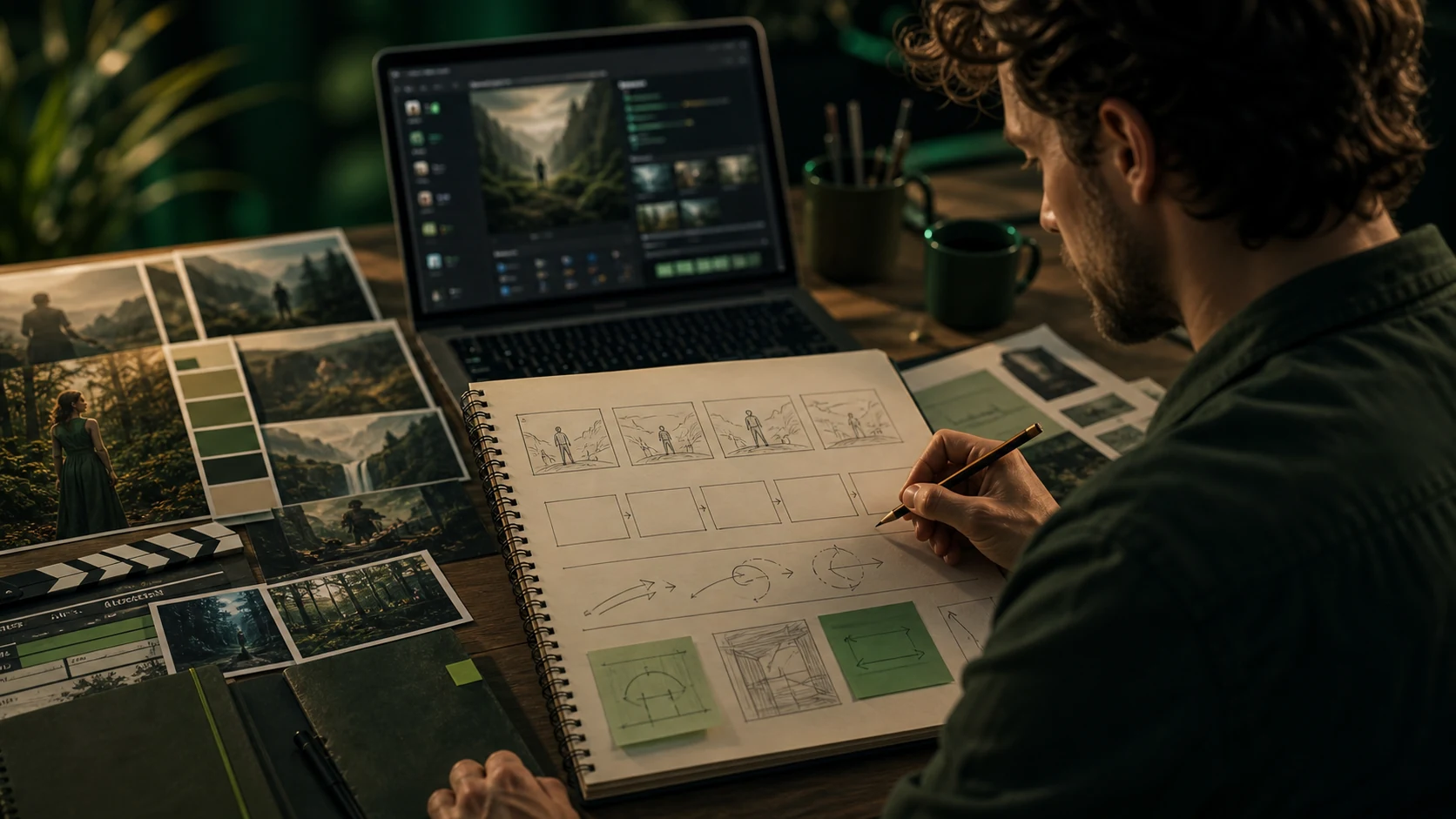
Set the subject, format, audience, style, motion, and final use case before generating omni video ai outputs.
Add visual direction
Upload or reuse references for pose, product details, composition, palette, campaign consistency, and omni ai motion guidance.
Generate and refine
Compare variations, adjust motion, improve backgrounds, remove distractions, and tighten the best omni video ai result.
Publish the asset
Use finished omni ai videos across ads, ecommerce pages, social posts, blogs, presentations, and product launches.
Omnivid Gemini Omni and omni video ai Features
Core omni ai workflows for text-to-video, image-to-video, reference-guided generation, gemini omni prompt refinement, motion control, and publishing-ready exports.
Gemini Omni Video AI Generator
Create new omni video ai clips from prompts for products, stories, ads, social posts, cinematic concepts, and launch creative.
Image-to-video Studio
Turn product shots, character references, thumbnails, and campaign visuals into controlled omni ai motion.
Reference Motion Control
Use visual references to keep style, identity, composition, and product details aligned across video generations.
Prompt Refinement
Improve camera moves, pacing, lighting, style, and negative constraints before spending more credits.
Creative Variations
Explore multiple looks and motion directions while keeping the same Omnivid omni ai project context.
Export-ready Workflow
Prepare outputs for review, publishing, ads, social posts, landing pages, and product launch assets.
Built for More Than omni ai Experiments
Omnivid focuses on repeatable gemini omni and omni video ai workflows that creators, marketers, and product teams can use for real campaigns and launches.
Keep briefs, references, generations, refinements, and exports together.
Move from idea to finished omni video ai assets without switching tools.
Support ads, social clips, product motion, and campaign visuals.
Creator proof
What Creators Say About Omnivid omni video ai
Teams use Omnivid for gemini omni prompt planning, omni ai video concepts, product motion, social campaigns, and faster production decisions.
Omnivid gives us one omni video ai workflow for concepts, references, motion tests, and review-ready outputs.
Renata Vargas, Creative Lead
Renata Vargas
Creative Lead
The omni ai workspace helps our team move from product references to campaign motion much faster.
Kwame Mensah, E-commerce Operator
Kwame Mensah
E-commerce Operator
I use Omnivid to turn rough launch ideas into video directions without rebuilding the prompt every time.
Elif Demir, Brand Designer
Elif Demir
Brand Designer
The reference workflow keeps our characters and product visuals more consistent across omni ai generations.
Patrick O'Sullivan, Agency Founder
Patrick O'Sullivan
Agency Founder
Omnivid makes short-form video exploration feel organized instead of scattered across separate tools.
Hana Yoshida, Content Strategist
Hana Yoshida
Content Strategist
For landing pages and ads, the omni video ai flow gets us from brief to reviewable clips quickly.
Bram Vermeulen, Independent Creator
Bram Vermeulen
Independent Creator
Frequently Asked Questions About gemini omni, omni video ai, and omni ai
Answers about Omnivid as a gemini omni-friendly prompt workspace, an omni video ai generator, and an all-in-one browser-based omni ai production studio.
Create Your Next omni video ai with Omnivid
Use Omnivid to generate, compare, refine, and publish stronger gemini omni and omni ai video assets from one workspace.